
Solutions / Employee Experience
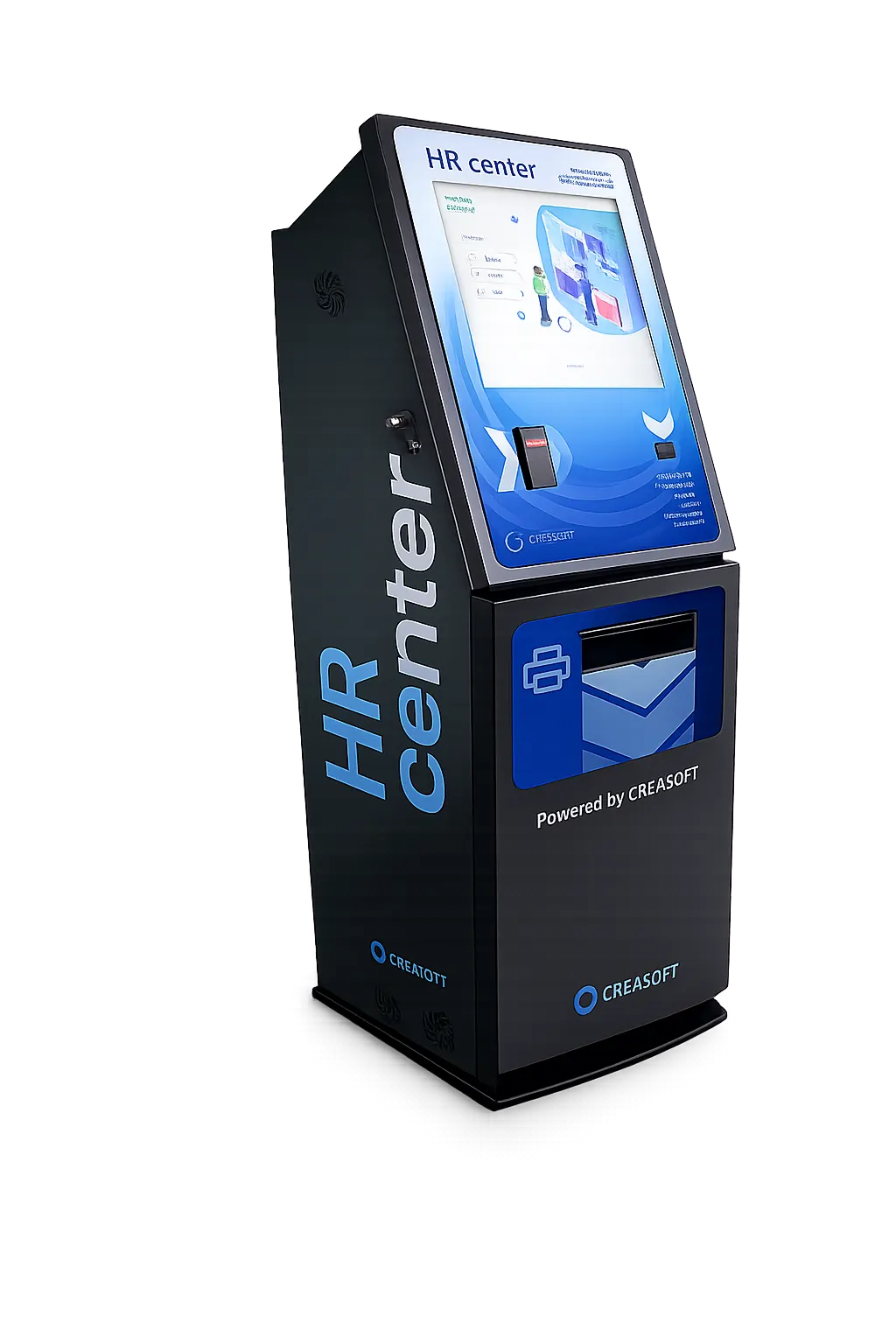
Employee Info Kiosk
An HR point for people without a computer.
Your HR colleague, available 24 hours a day, 7 days a week. Leave, certificates, payslips and documents to sign, right from the production floor or the entrance.
On screen
Six buttons. That’s it.
After authenticating with a card, fingerprint or phone, the employee sees the six functions on screen.
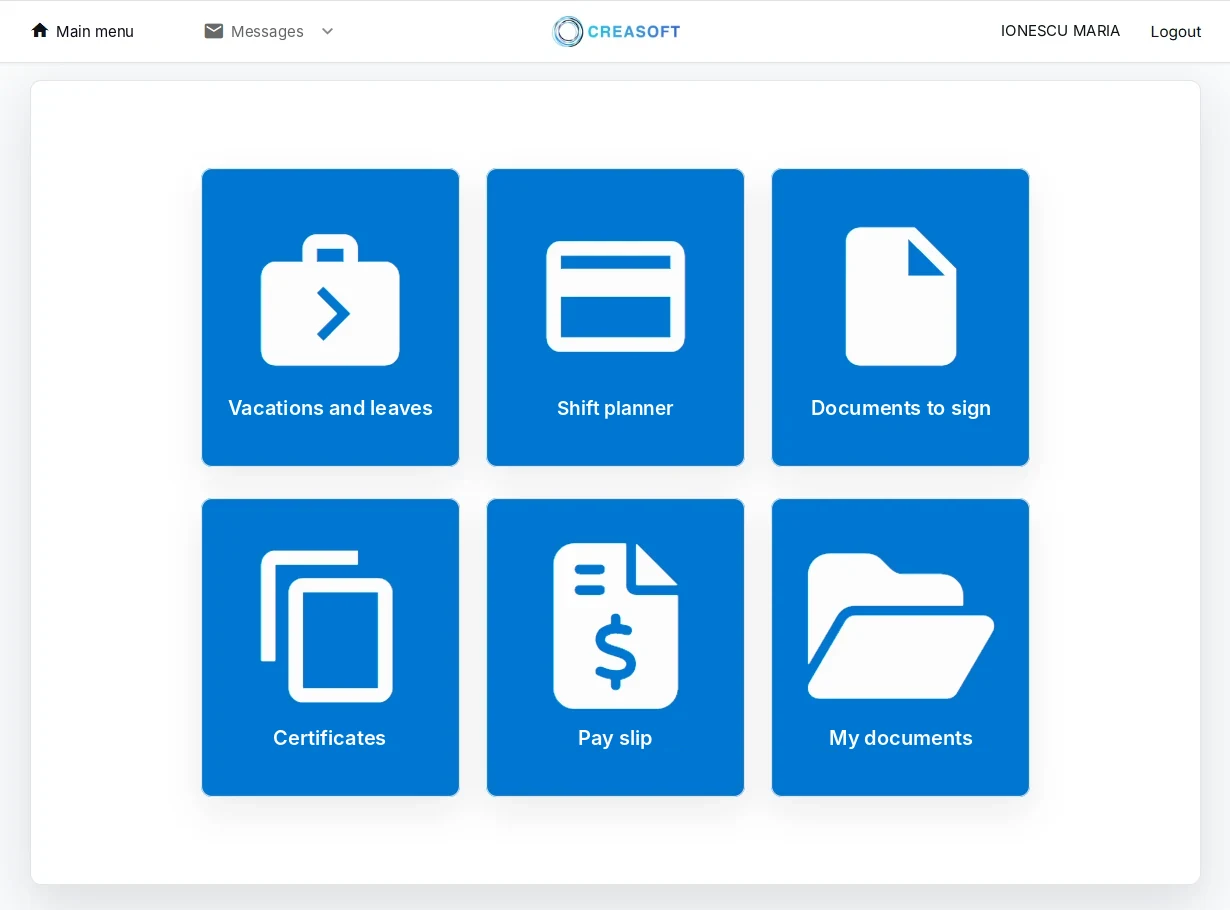
Screenshots from the Creasoft HR application. The personal data shown is not real; it has been anonymised
01 / Speed
Identification in seconds.
With an RFID card, fingerprint or phone, by Bluetooth or a QR code from Creasoft Pass.
02 / Simplicity
No training.
The employee taps the screen, whatever their level of technical knowledge.
03 / Availability
24 hours a day, 7 days a week.
Information and documents without a trip to the HR department.
04 / Satisfaction
Fast, reliable answers.
Fewer printed documents and fewer verbal requests to HR.
What employees do at the Kiosk.
- LeaveSee remaining days and submit a request.
- ScheduleSee the shift plan for any month, print it or receive it by email.
- CertificatesEmployment certificate, generated in seconds and printed.
- PayslipsView and print their payslip.
- SignatureSign documents with a code received by SMS or email.
- FileSee the documents in their personnel file.
Authentication
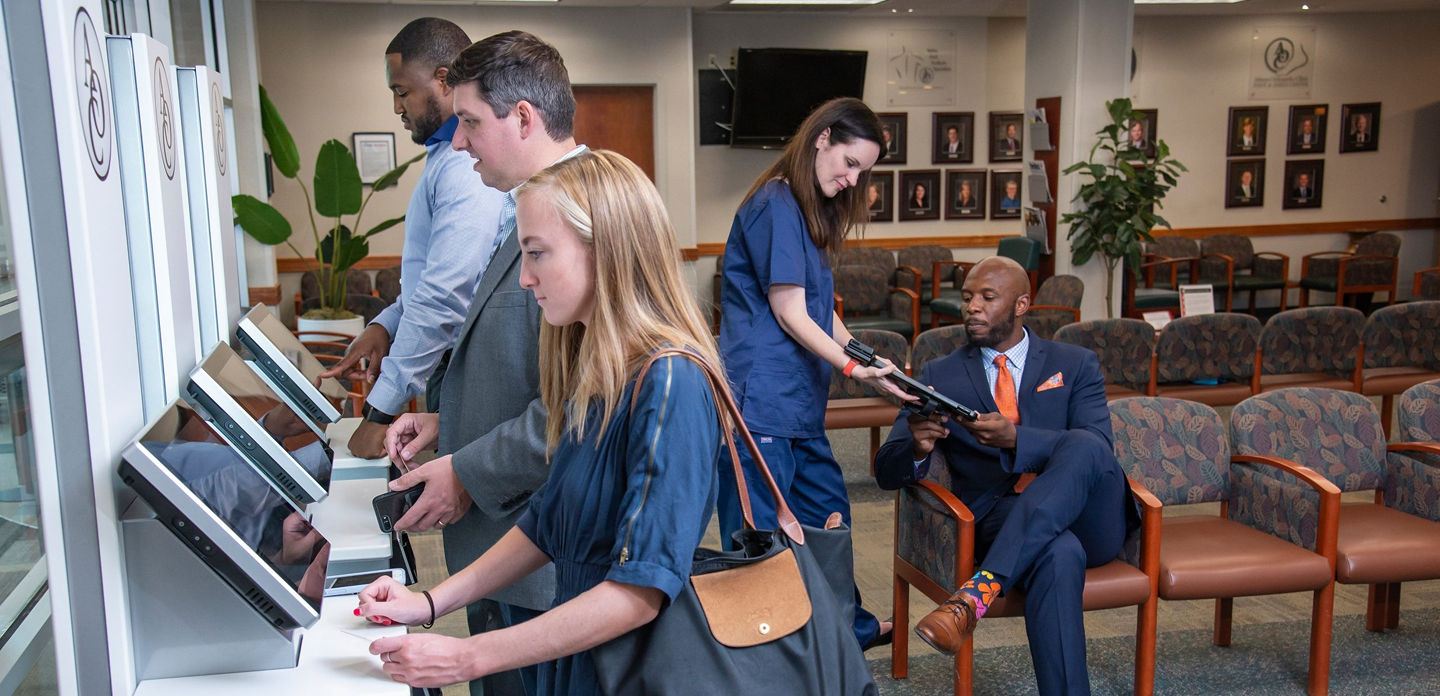
Card, fingerprint or phone.
Employees identify themselves the same way as for time tracking: RFID card, fingerprint or the Creasoft Pass app. Optionally, personal numeric code (CNP) and SMS code for sensitive documents.
What it includes.
| Component | Details |
|---|---|
| Housing | Metal, vandal-resistant, black, 53 x 49 x 150 cm |
| Screen | Multi-touch touchscreen, 19 inch |
| Computer | Dell PC with Intel processor and Windows licence |
| Printer | Brother HL-L8240CDW professional colour printer |
| Reader | 3-in-1: RFID, QR code and Bluetooth |
| App | Creasoft Kiosk, preinstalled |
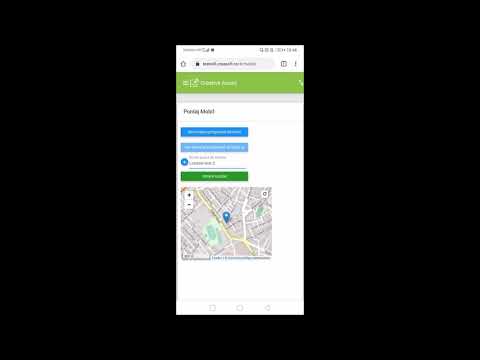
See the Kiosk in use.
Frequently asked questions.
Who is the Kiosk for?
For companies with employees who do not work at a computer: factories, warehouses, retail, shift teams.
What is needed for installation?
A power socket and an internet connection. The Kiosk comes with the app preinstalled.
Do I need the Self Service module?
The Kiosk uses the same features as Self Service. The first 12 months of Self Service are free.
How much does the Kiosk cost?
EUR 3,940 excluding VAT. The price includes the black vandal-resistant metal housing, 53 x 49 x 150 cm, the 19-inch touchscreen, the Dell PC with an Intel processor and a Windows licence, the Brother HL-L8240CDW professional printer and the preinstalled Creasoft Kiosk application.
Does the Kiosk integrate with other HR software?
Yes. Integration with other HR solutions is free.
Can I buy the Kiosk through the sheltered workshop scheme?
Creasoft Time Management SRL is an authorised sheltered unit. If you have at least 50 employees and do not employ 4% people with disabilities, part of the amount owed each month can be used for purchases from an authorised sheltered unit, within the legal limit. Details on the Authorised sheltered unit page.
See how it fits your company.
An online demo takes about 30 minutes. We show you time tracking, reports and documents using an example close to your company.
Or call sales: +40 749 500 400